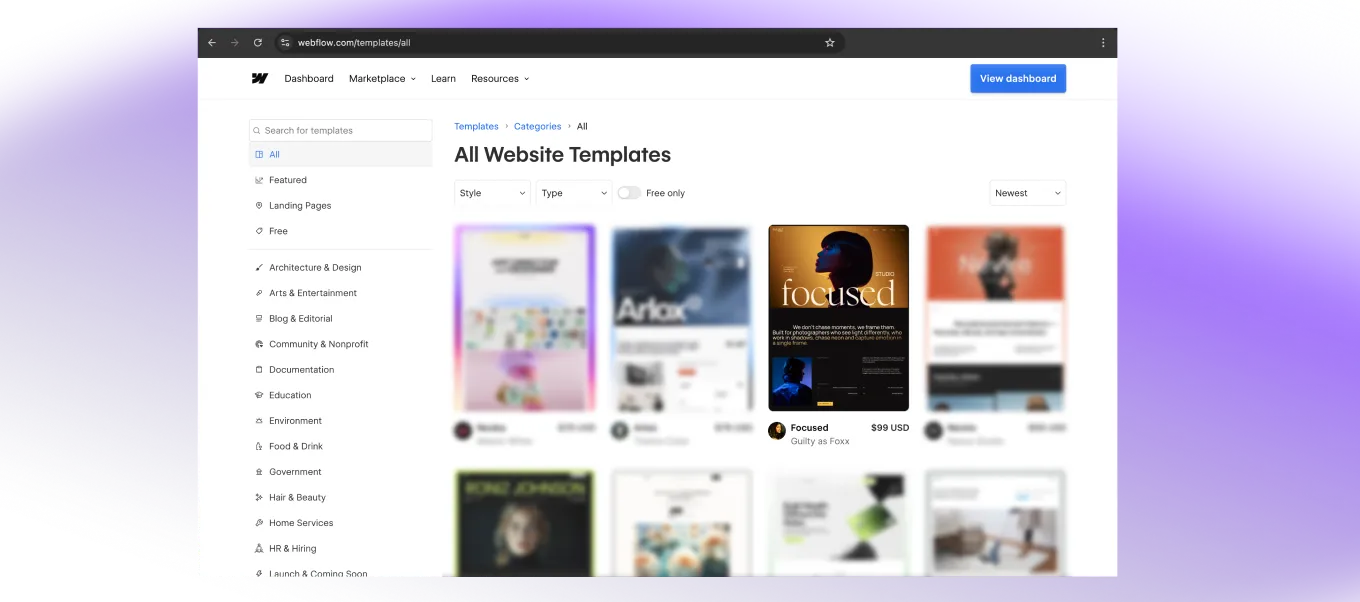
How to buy and set up Webflow Template for your business
Here we discuss a step-by-step guide to buying and setting up a Guilty as Foxx Webflow template; from preview to clone, customisation and ready to launch for your business. Let's make it happen.
Preview the template
Before you commit, explore the template live. Every Guilty as Foxx template has a fully interactive preview so you can click through every page, check the animations and get a real feel for the experience before purchasing.
Purchase the template
Ready to make it yours? Click Buy for $99 USD directly on the Webflow Marketplace. You'll need a free Webflow account to complete checkout — if you don't have one, it only takes a minute to set up.
Clone to your Workspace
Once purchased, open the template and hit Clone. It will land straight into your Webflow dashboard as a new project, ready for you to open and start editing.
Choose your Webflow plan
Guilty as Foxx templates are built with Webflow's CMS so your content is easy to manage without touching any code. To use CMS functionality you'll need a Webflow CMS plan or above.
Not sure which plan is right for you?
Customise to your brand
This is where the template becomes yours. Work through these key areas:
Colors - Update the colour variables in Webflow's Style Panel to match your brand palette. All colours in the template are tied to variables so one change updates everything globally.
Fonts - Swap the typography to your brand fonts. If you're using Google Fonts or Adobe Fonts these can be connected directly in Webflow's project settings.
Logo - Replace the placeholder logo in the navbar and footer with your own.
Images - Swap out all placeholder images with your own photography or visuals. For best results match the recommended image dimensions noted on each image element.
Update your CMS content
Your projects, work items and any other dynamic content live in Webflow's CMS. To update them:
Go to your Editor or CMS panel in Webflow, open the relevant collection, and update each item with your real content — title, description, images and any other fields included.
New items can be added at any time and will automatically inherit the template's styling.
Publish and Go Live
Once you're happy with everything hit Publish in the top right of your Webflow Designer. Your site is live.
Connect your custom domain in Webflow's project settings if you haven't already and you're ready to start showing up for your business.